Open source · Oct 2026
Oyla
Live polls · Word clouds · Self-hosted
Open-source live polls, word clouds and open questions for talks, classes and meetings.
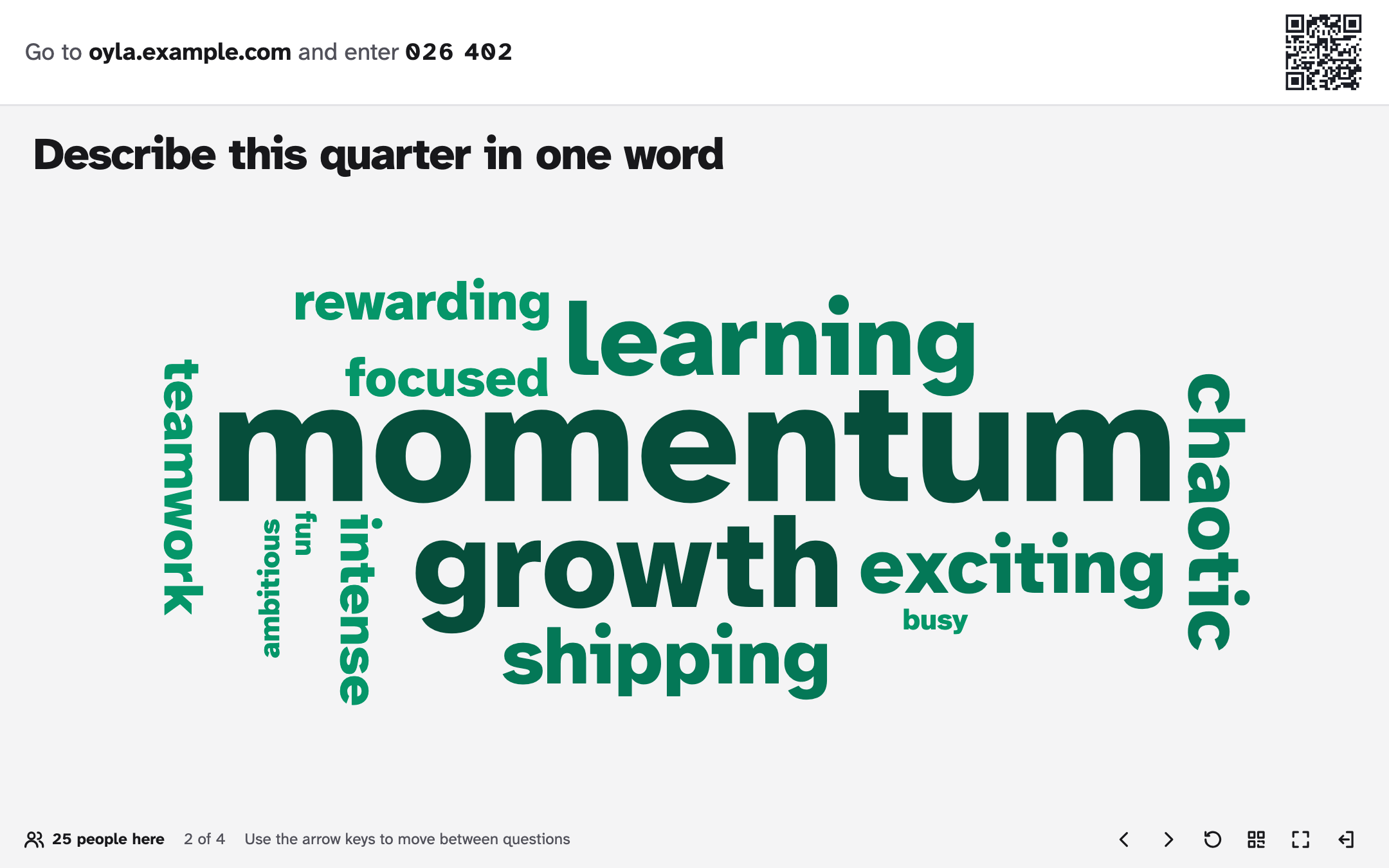
Your audience joins from their phones with a 6-digit code or a QR code, with no accounts and no app to install, and their answers appear live on your screen. You run it on your own computer or server. “Oyla” means “vote!” in Turkish.
- License
- MIT
- Interface
- EN · TR
How it works
-
Create
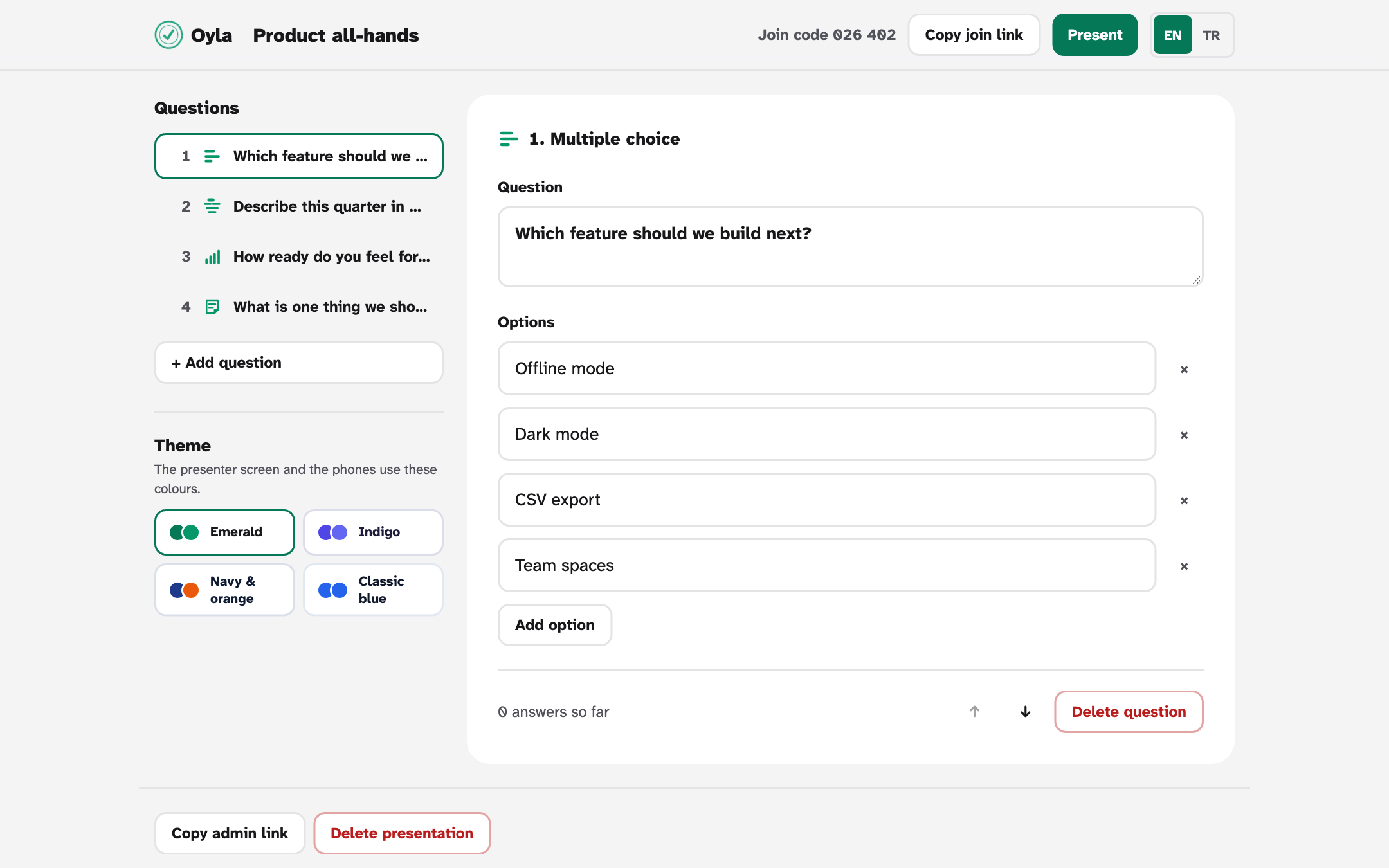
Start a presentation and add your questions: multiple choice, word cloud, open question or scale.
-
Share the code
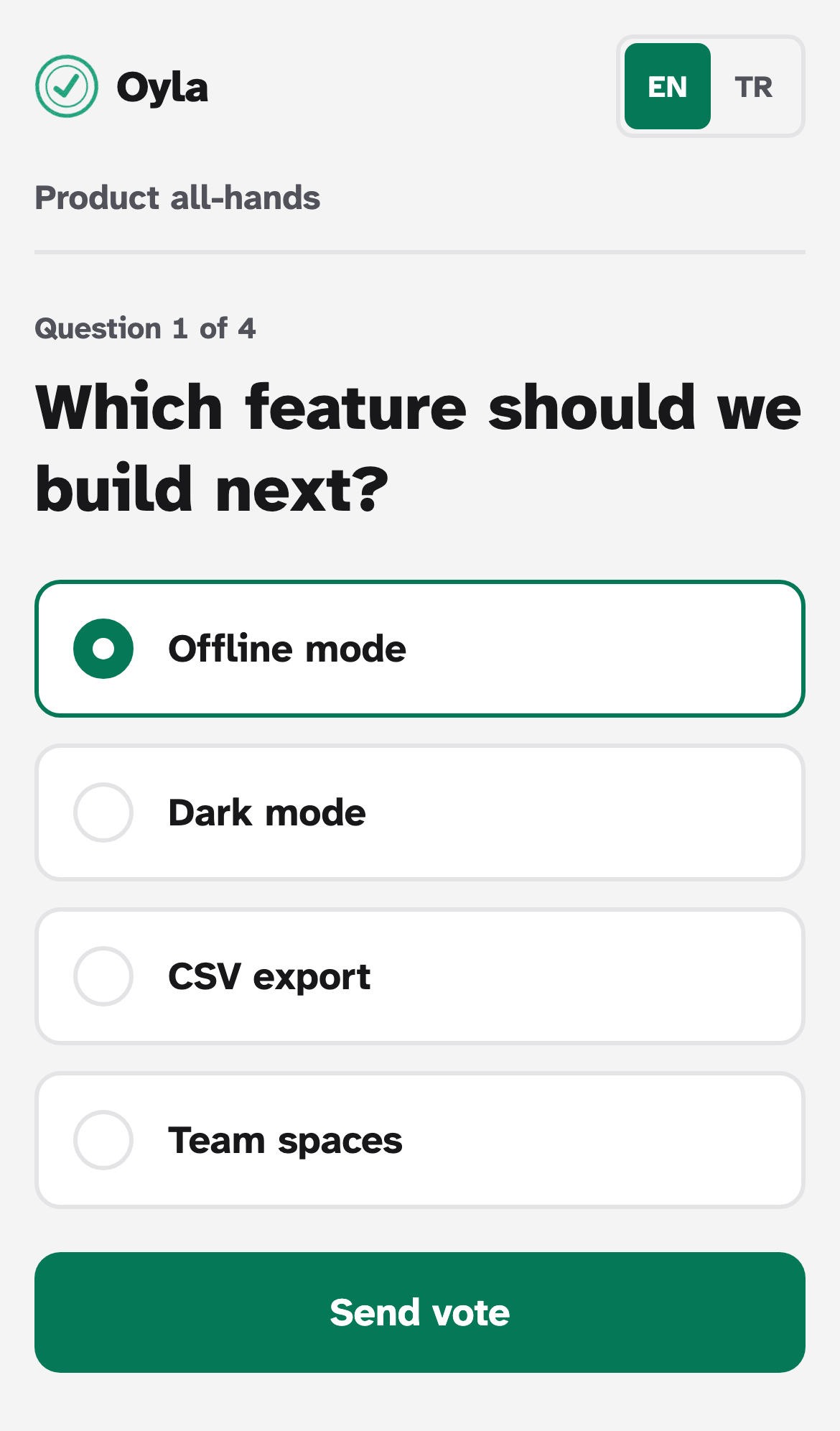
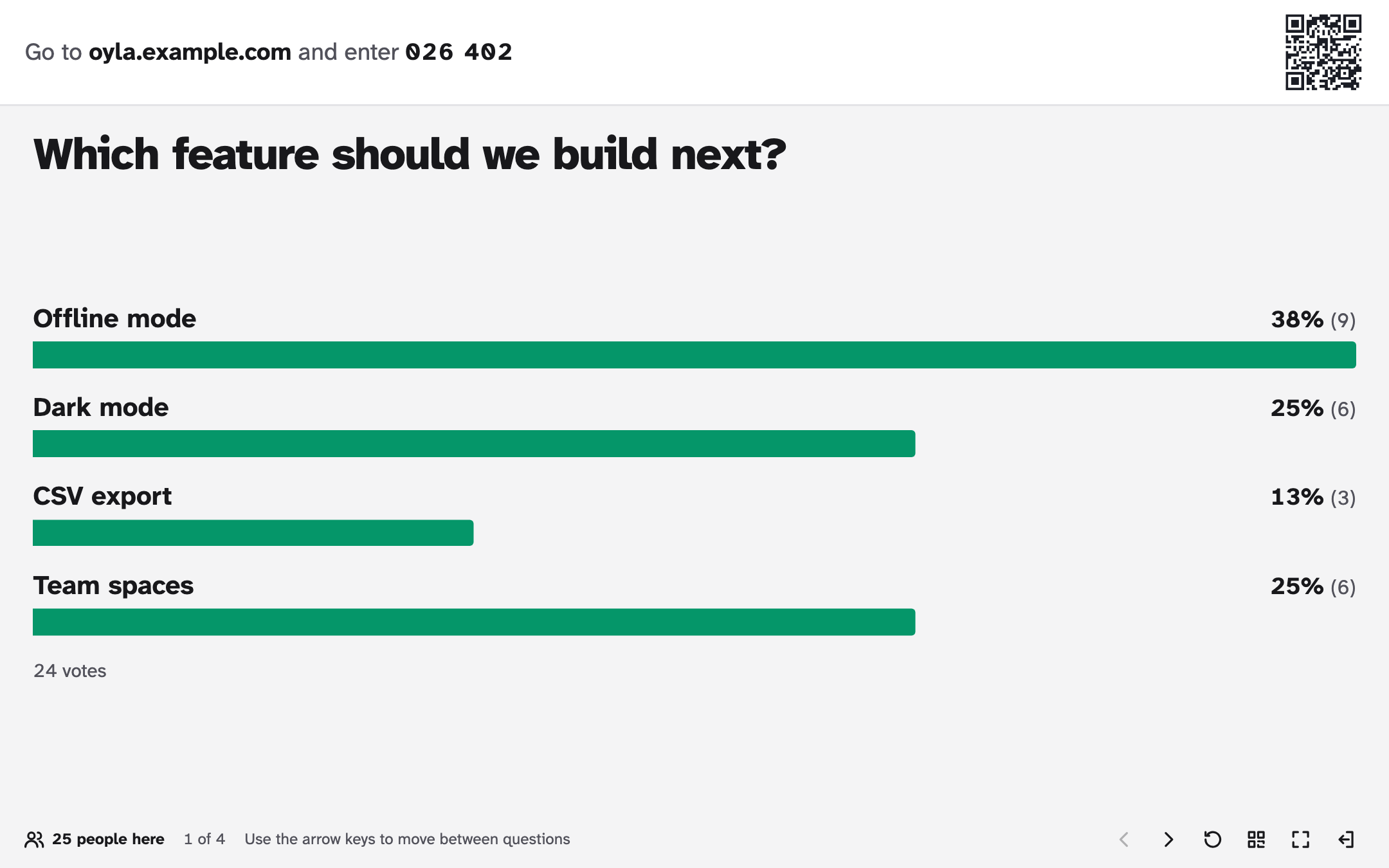
Put the presenter screen up. People open your Oyla server on their phones and type the 6-digit code, or scan the QR code.
-
Watch answers arrive
Votes, words and answers show up on the big screen live while people respond.
Features
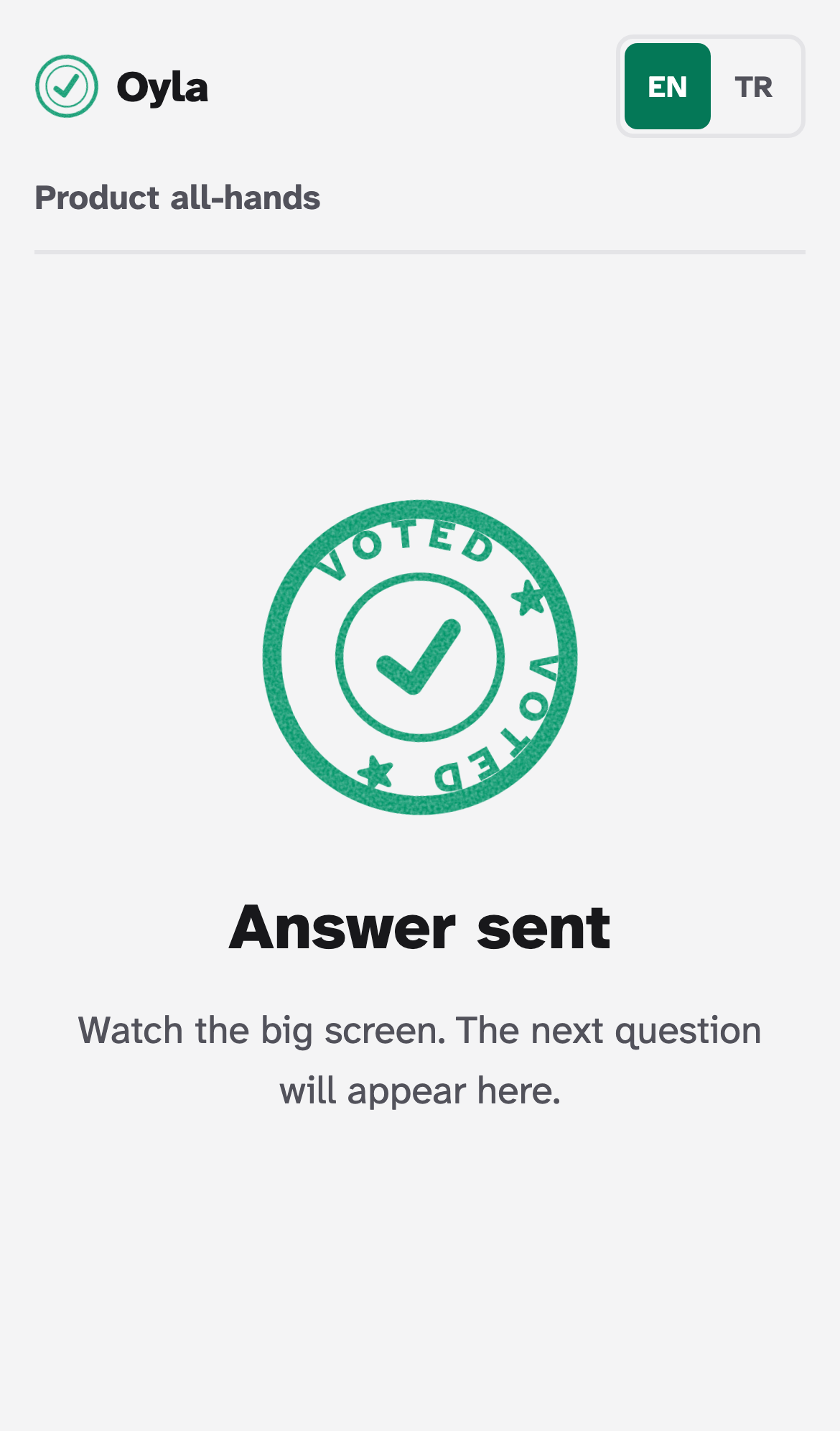
- The audience joins from their phones with a 6-digit code or a QR code. No accounts, no app.
- Four question types: multiple choice, word cloud, open question and scale.
- Results update live on the presenter screen as answers come in.
- Four colour themes per presentation; phones follow the presenter's choice.
- English and Turkish interface, light and dark mode.
- Self-hosted: one Docker container with Node.js, Fastify, Socket.IO, SQLite and React.
- Open source under the MIT license.
Screenshots
Built with
Node.js · Fastify · Socket.IO · SQLite · React · Docker