agent-buzzer
Claude Code hooks · Shell script · No dependencies
Plays a sound when Claude Code finishes a long turn, and stays quiet when you are already looking at the terminal.
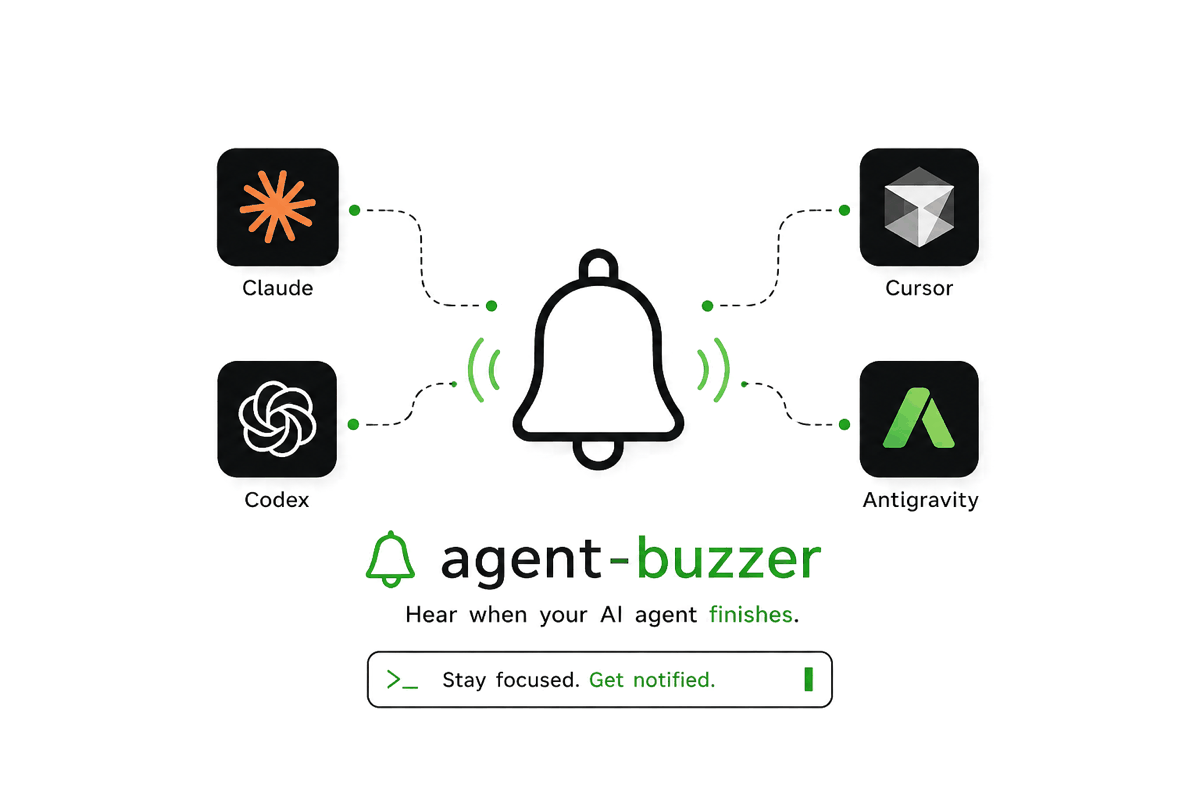
A tool that beeps after every turn becomes unbearable within an hour, so agent-buzzer gates the sound: by default it stays silent when a turn took less than 30 seconds and while your terminal is the window in front of you. Questions and permission prompts skip the length rule, because that is exactly when you want to know. When something can't be determined, it plays, because a missed notification is worse than one extra beep. Claude Code is the only agent wired up today; Codex, Cursor's agent and Antigravity are on the roadmap.
- License
- MIT
- Runs on
- macOS · Linux · Windows
How it works
-
Install
Run ./install.sh. It copies buzzer to ~/.local/bin, adds the bundled sounds and writes a default config.
-
Wire up the hooks
buzzer hooks prints the snippet for Claude Code's settings. You add it yourself with the /hooks command.
-
Look away
Start a long task and switch to something else. When the turn ends you hear it; if you were watching the terminal, it stays quiet.
Features
- Four events, each with its own sound: done, waiting (a permission prompt or a question), error and subagent.
- Silence rules, checked in order: the master switch, quiet hours (off by default), turns shorter than 30 seconds, and your own terminal being the frontmost app.
- Focus detection compares the frontmost app with the terminal Claude Code runs in. On macOS it needs no Accessibility or Automation permission.
- buzzer status says whether it would play right now and why; buzzer doctor checks audio, focus detection and missing files; every decision is logged with its reason.
- One shell script with no dependencies. buzzer hooks prints the settings snippet for you to add; it never edits ~/.claude/settings.json itself.
- Hooks come back in about 0.3 seconds: playback runs detached, and the focus check is capped at two seconds.
- Plain key=value configuration. Sounds, volume, the threshold and quiet hours can all be changed from the command line.
- macOS is the reference platform. Linux and Windows (buzzer.ps1) work but are less tested, and on Wayland focus detection only works on sway.
Screenshots
Play the animation

Built with
Bash · PowerShell